Live scores, automatically
Pick a match and the scoreboard follows it. Scores refresh by themselves every 2 seconds from public scorecard pages.
Cricket Scoreboard Studio Pro
Live scores in, animated overlays out. Pick a match, press one button, and your OBS shows a professional scoreboard with wicket and six alerts, player photos and a graph for every moment.
Windows 10/11 · OBS Studio (free) · Monthly ₹499 · Yearly ₹4,000 · Lifetime ₹10,000
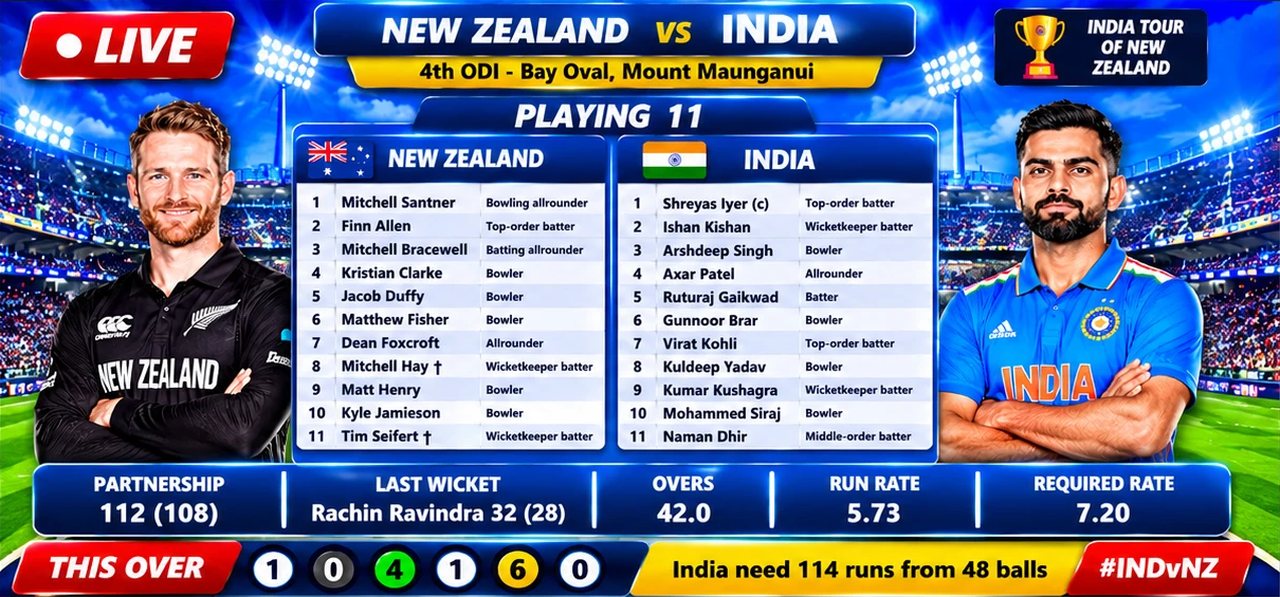
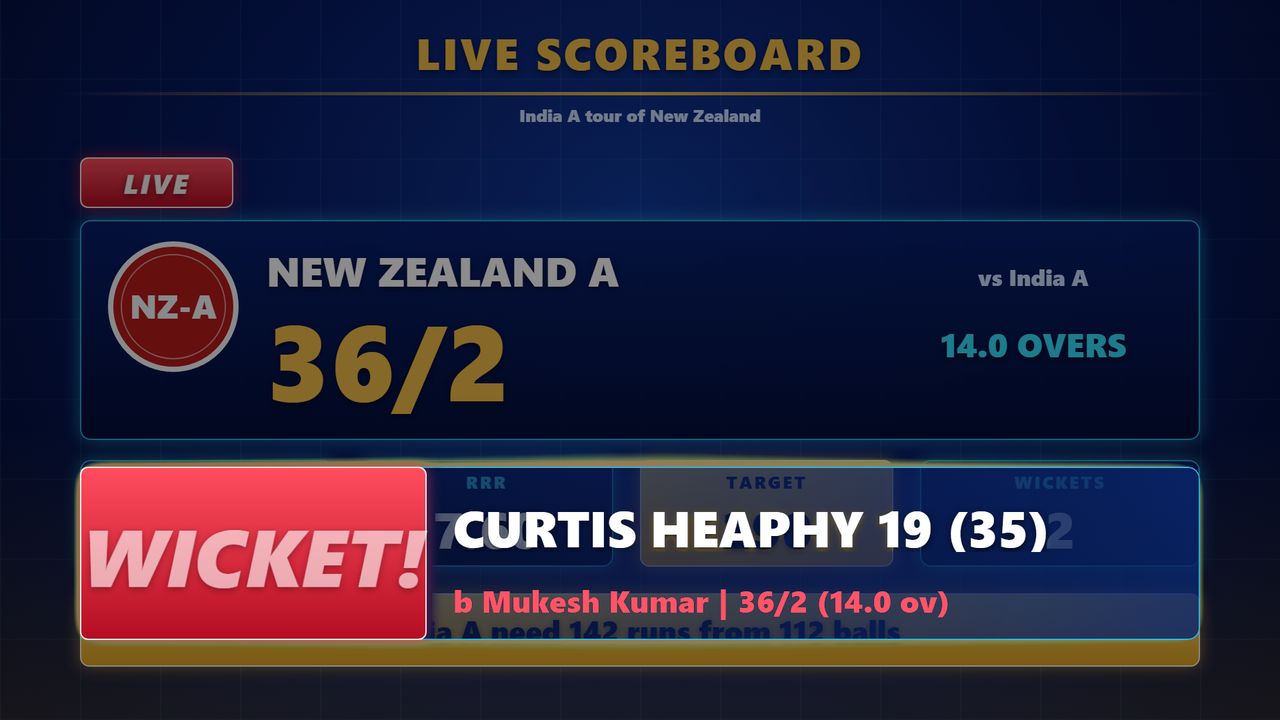
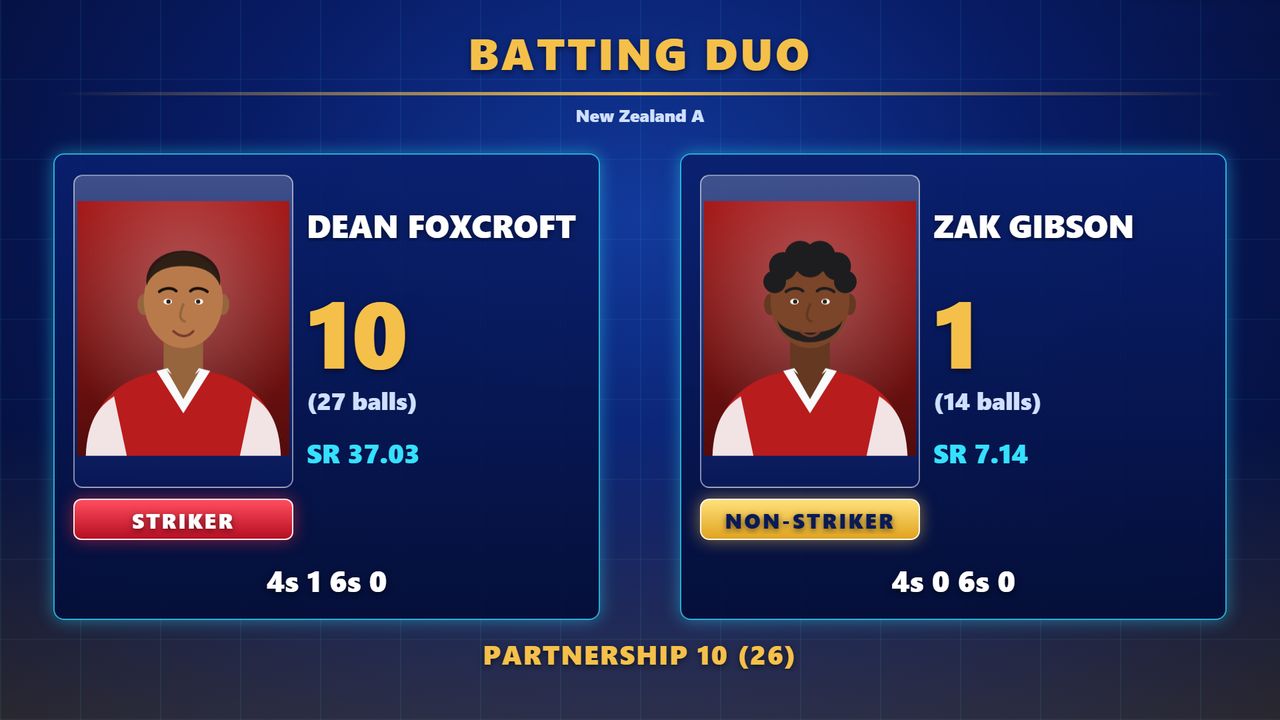
Watch the demo
A real screen recording: scenes switching, live scorecards and animated overlays running inside OBS Studio.
What you get
Built for people who stream local and club matches and want a scoreboard that looks like television.
Pick a match and the scoreboard follows it. Scores refresh by themselves every 2 seconds from public scorecard pages.
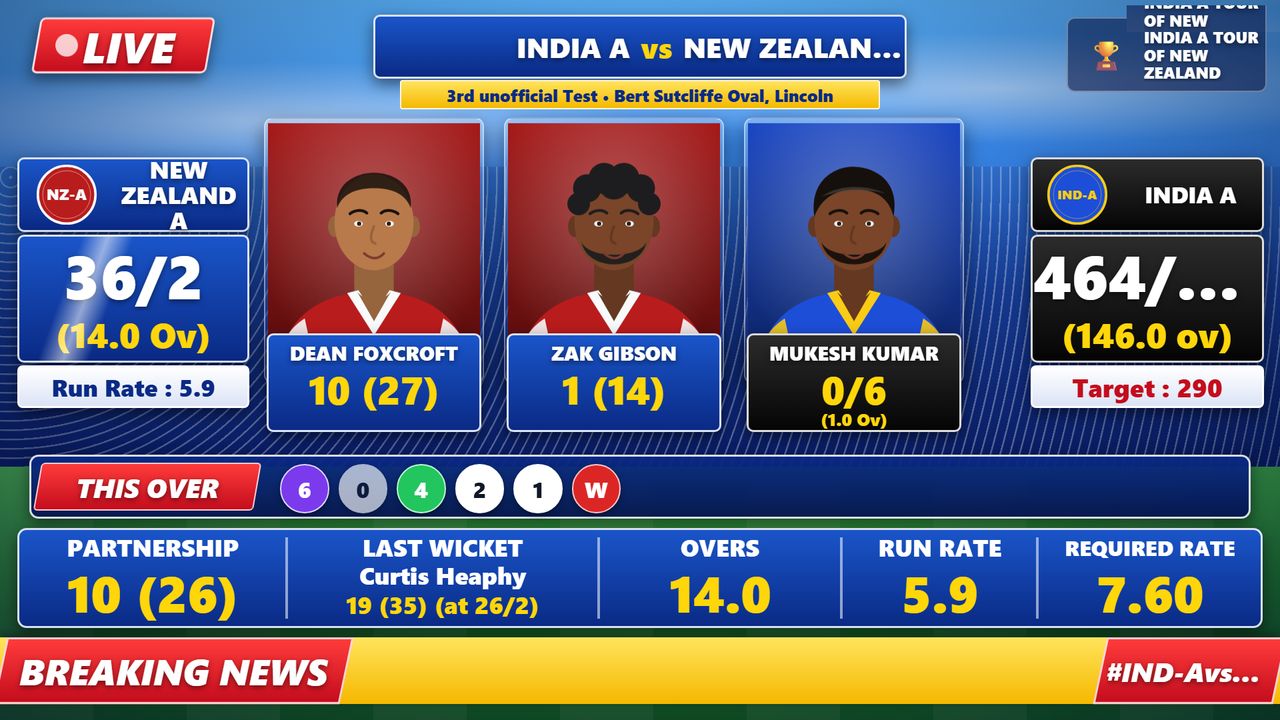
30 ready scenes: scoreboard, batting duo, last six balls, playing XI, run-rate graph, chase target, match result and more.
The moment a wicket falls or a boundary is hit, a full-width animated alert appears over your stream, then clears itself.
Every player shows the image you chose. Select a file per player, or import a whole folder named after the players.
Press “Open in OBS” on a template. OBS starts with every scene ready, so there are no browser sources to build by hand.
Pro templates are sent to your app from the server. They appear in your Templates page without a new download.
See it
Spotlight template scenes from the app, shown here with an India vs New Zealand ODI (sample figures).
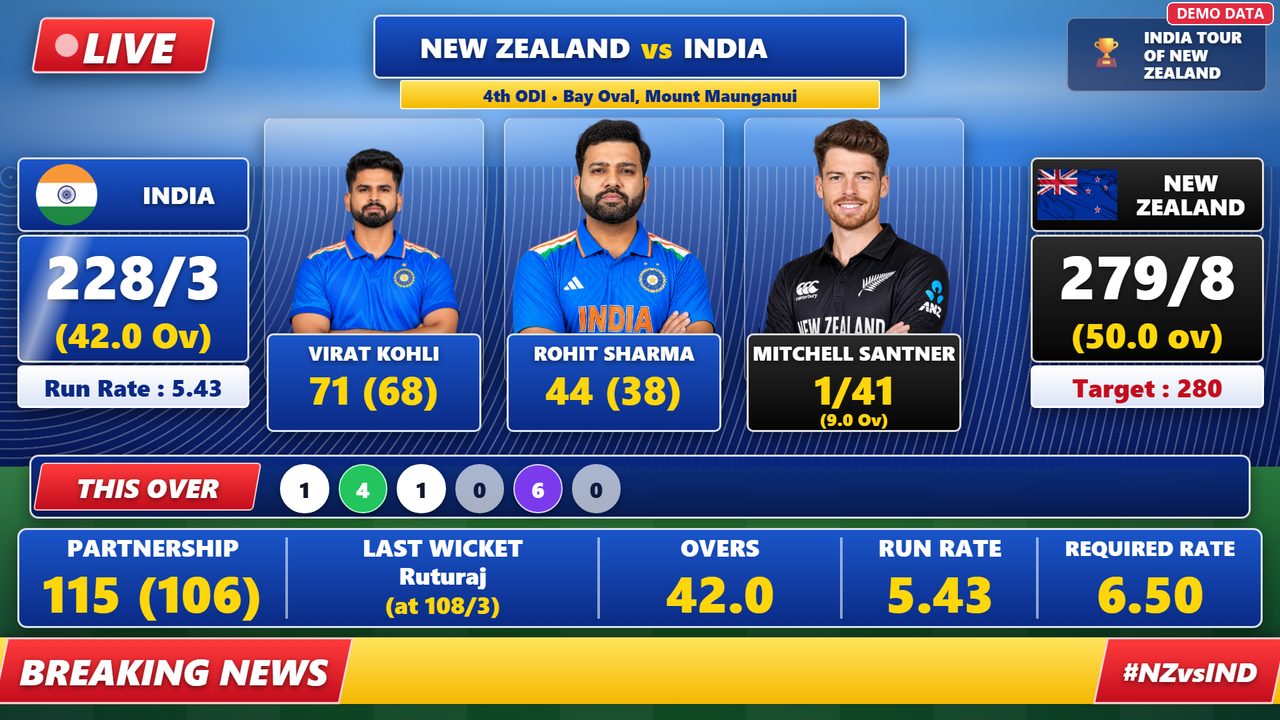
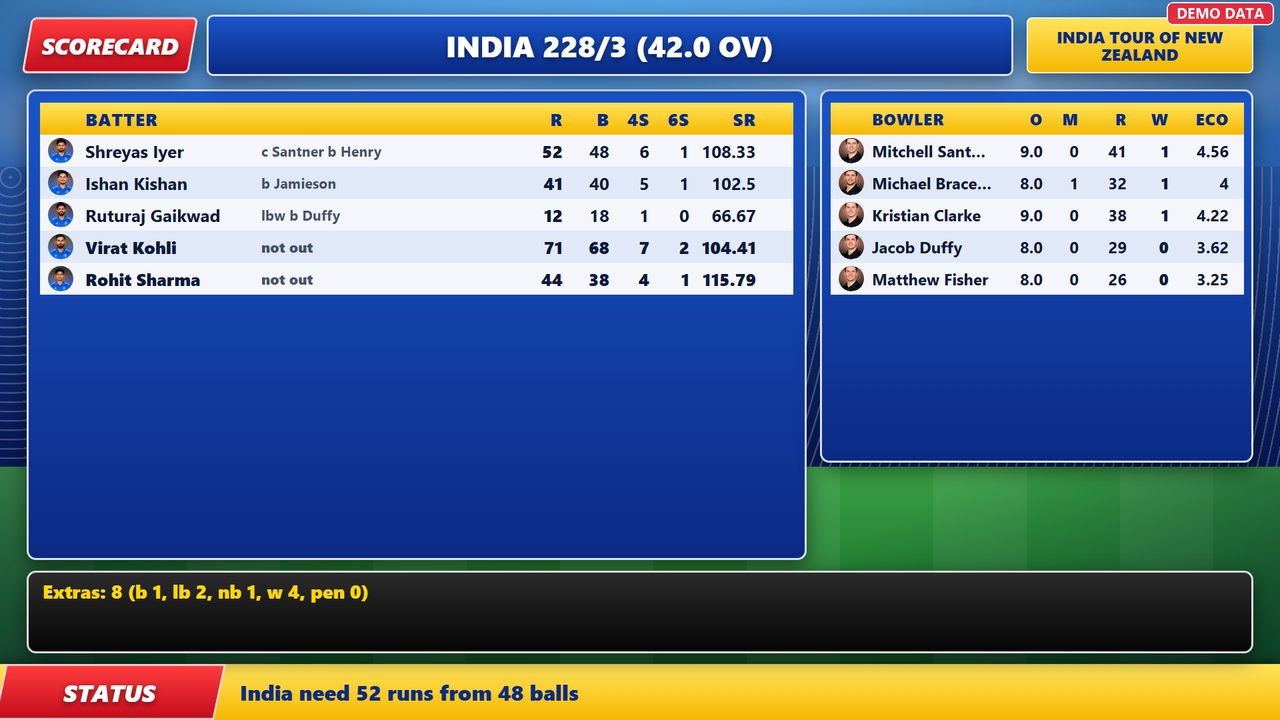
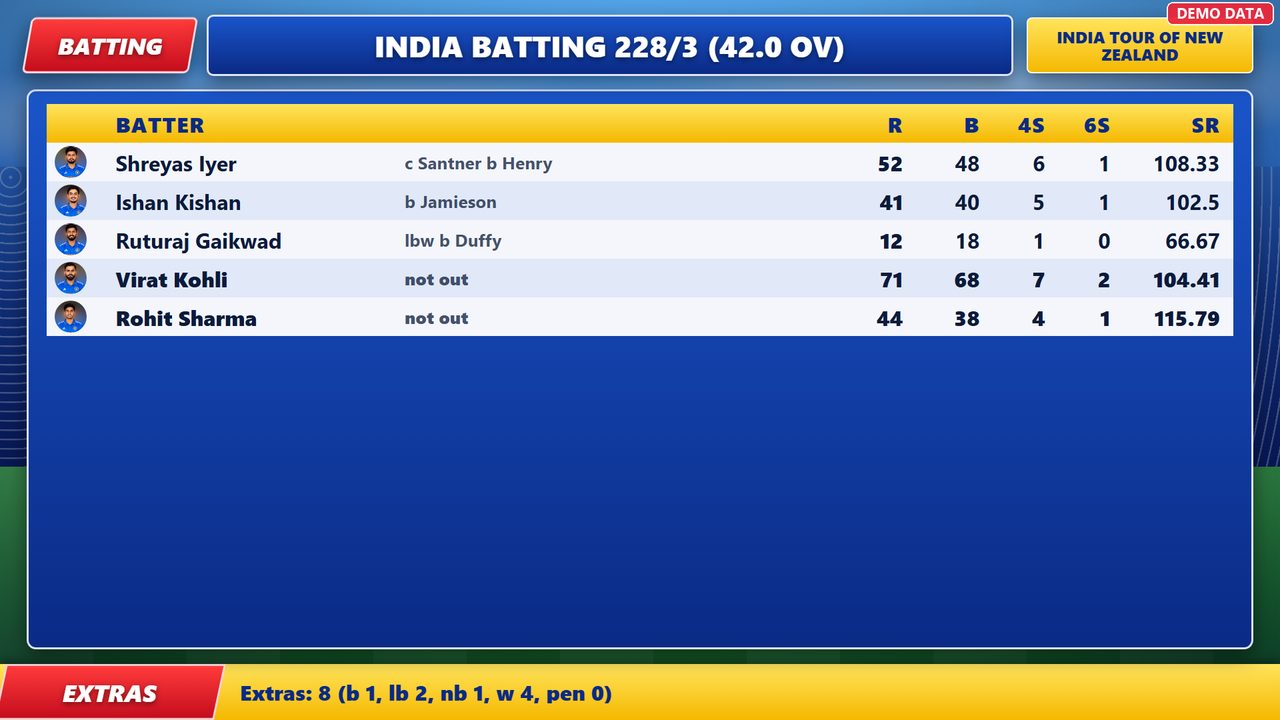
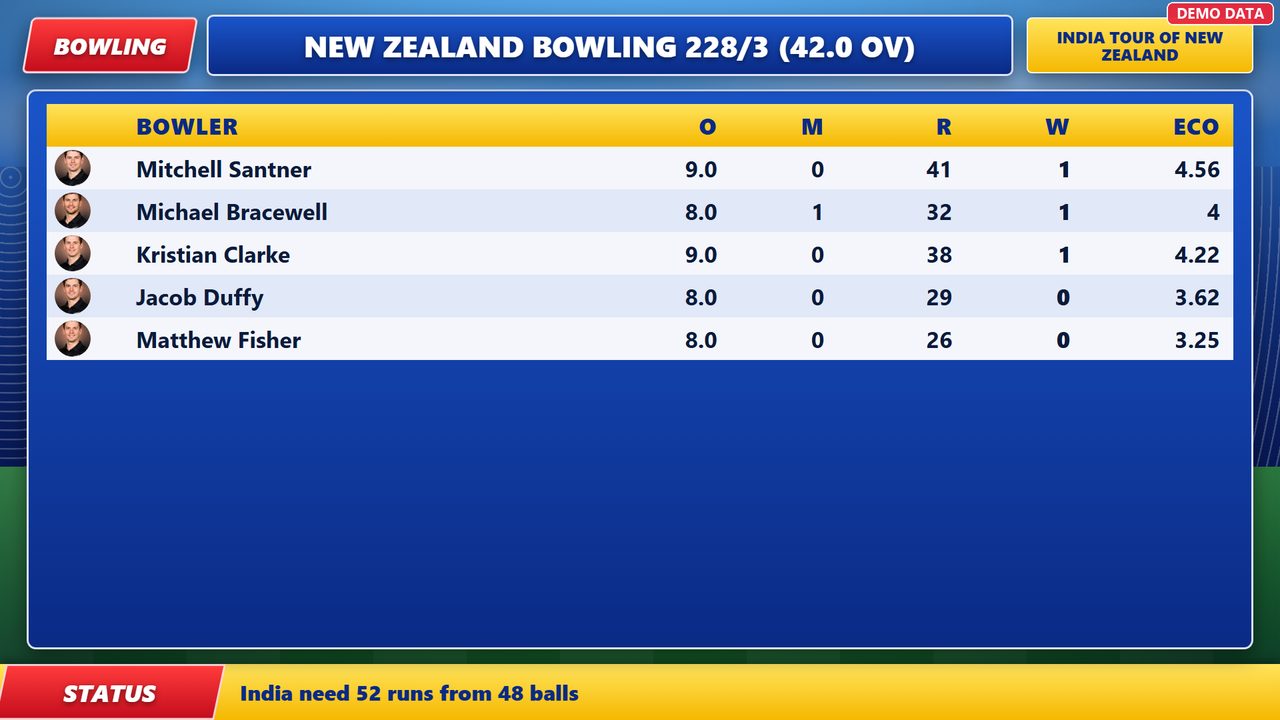
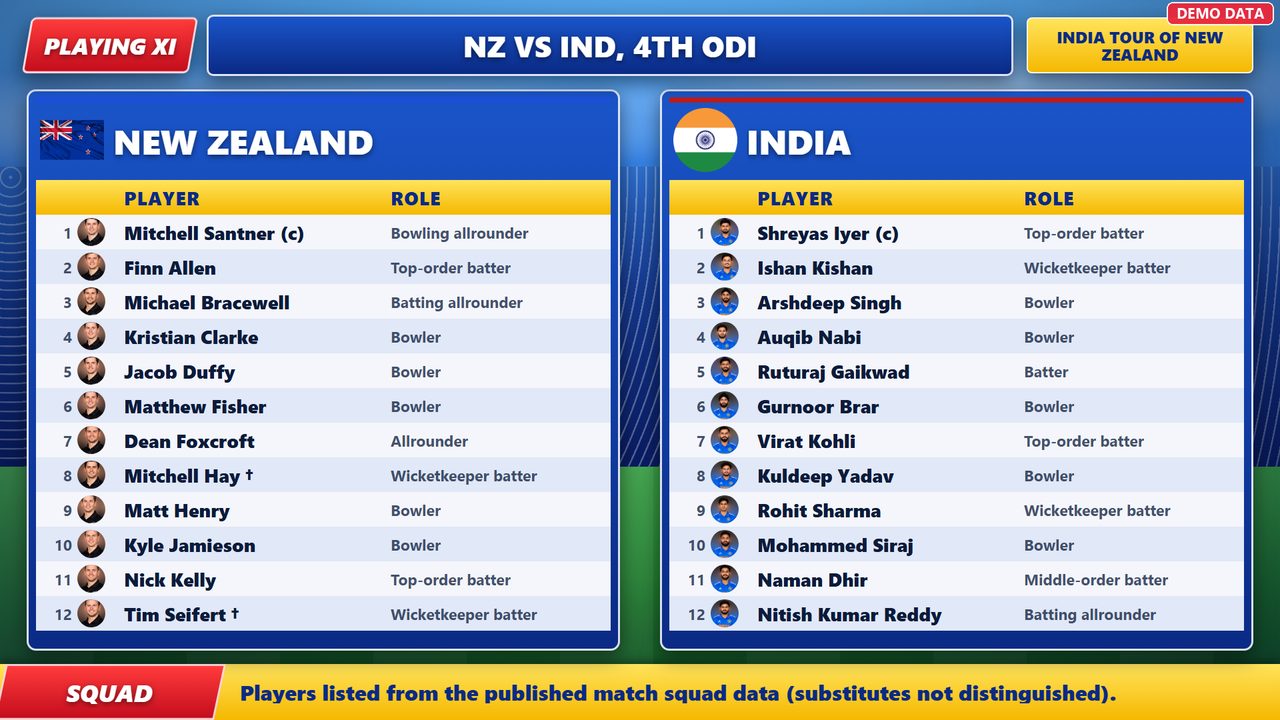
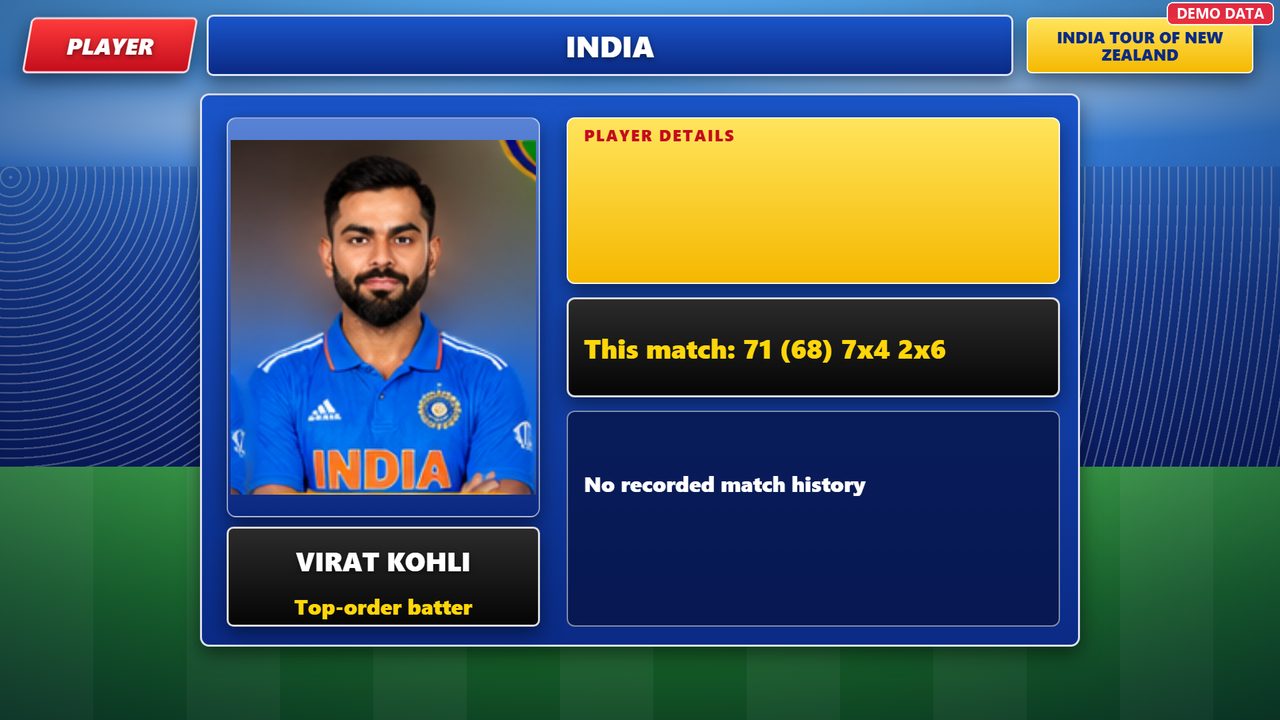
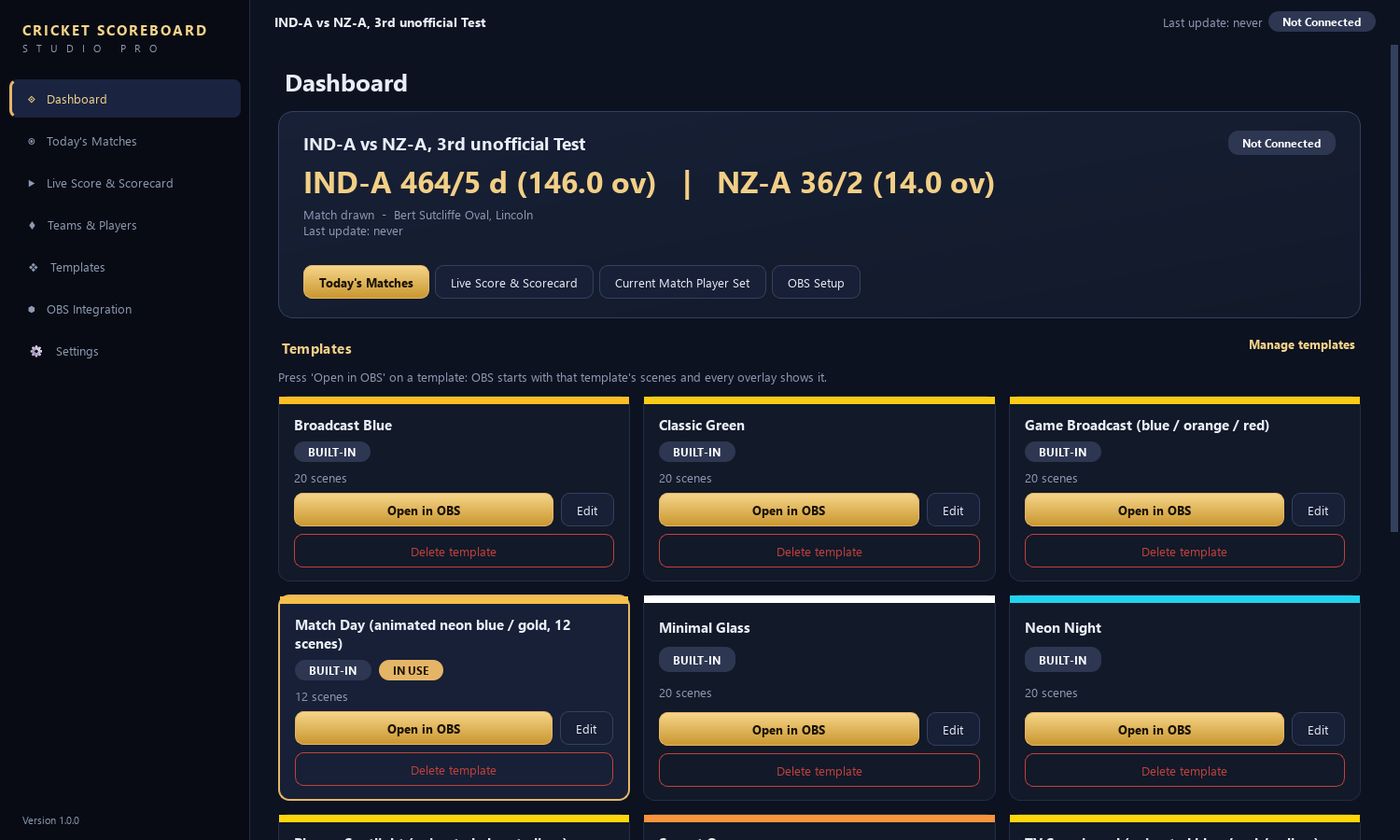
The dashboard: pick a template and press Open in OBS.
How it works
One Setup file. No administrator rights and nothing else to install except OBS Studio.
Choose a plan, pay securely with Razorpay, and paste the key the page gives you.
Open Today’s Matches, choose a match and the scores start flowing by themselves.
Press one button on a template. OBS opens with all scenes. Click a scene to go live.
Plans
Every plan unlocks the whole software. Pay securely with Razorpay, get your key instantly.
Try it for a month, renew when you need it.
For regular streamers. Saves about a third.
Pay once and use it for good.
Already have a key? Install the software and paste it in the activation window. Renew or upgrade any time from the License page inside the app.
Download
One file, about 90 MB. No administrator rights needed. Windows may warn about a new program: choose “More info”, then “Run anyway”.
Questions
Windows 10 and Windows 11 (64-bit). OBS Studio is a separate free program that you install from obsproject.com.
Pick a plan on this page or inside the app. After the payment, your key appears on the screen. Paste it into the app’s activation window.
One license works on one PC. If you change computers, contact support and the license can be moved.
The app reads public scorecard pages and refreshes them automatically. Availability depends on those sites, so scores are not guaranteed to be real-time or error-free. Check important numbers yourself.
The app asks you to renew. Renewing from the License page adds time to the same key. Your matches, templates and settings stay on your PC.
Live scores need the internet. A licensed app keeps working for up to 7 days without a license check.
Need help or want to move your license? Contact support.
Cricket Scoreboard Studio Pro is an independent product. It is not affiliated with or endorsed by any cricket board, scorecard website or OBS Project. Use player pictures and streams you have the right to broadcast.